MoodCase
MoodCase Fotoveranderende iPhone-hoes
Kan beschikbaarheid voor afhalen niet laden

Free Shipping
money back guarantee
Secure Checkout

Frequently Bought Together
-
AanbiedingMoodCase Fotoveranderende iPhone-hoes
Verkoper:MoodCase14 reviewsNormale prijs €34,99 EURNormale prijs€65,00 EURAanbiedingsprijs €34,99 EURAanbieding -
AanbiedingNfc Photo-Changing IPhone 17 Case
Verkoper:MoodCase14 reviewsNormale prijs €39,99 EURNormale prijs€79,99 EURAanbiedingsprijs €39,99 EURAanbieding
Product Details
Specifications
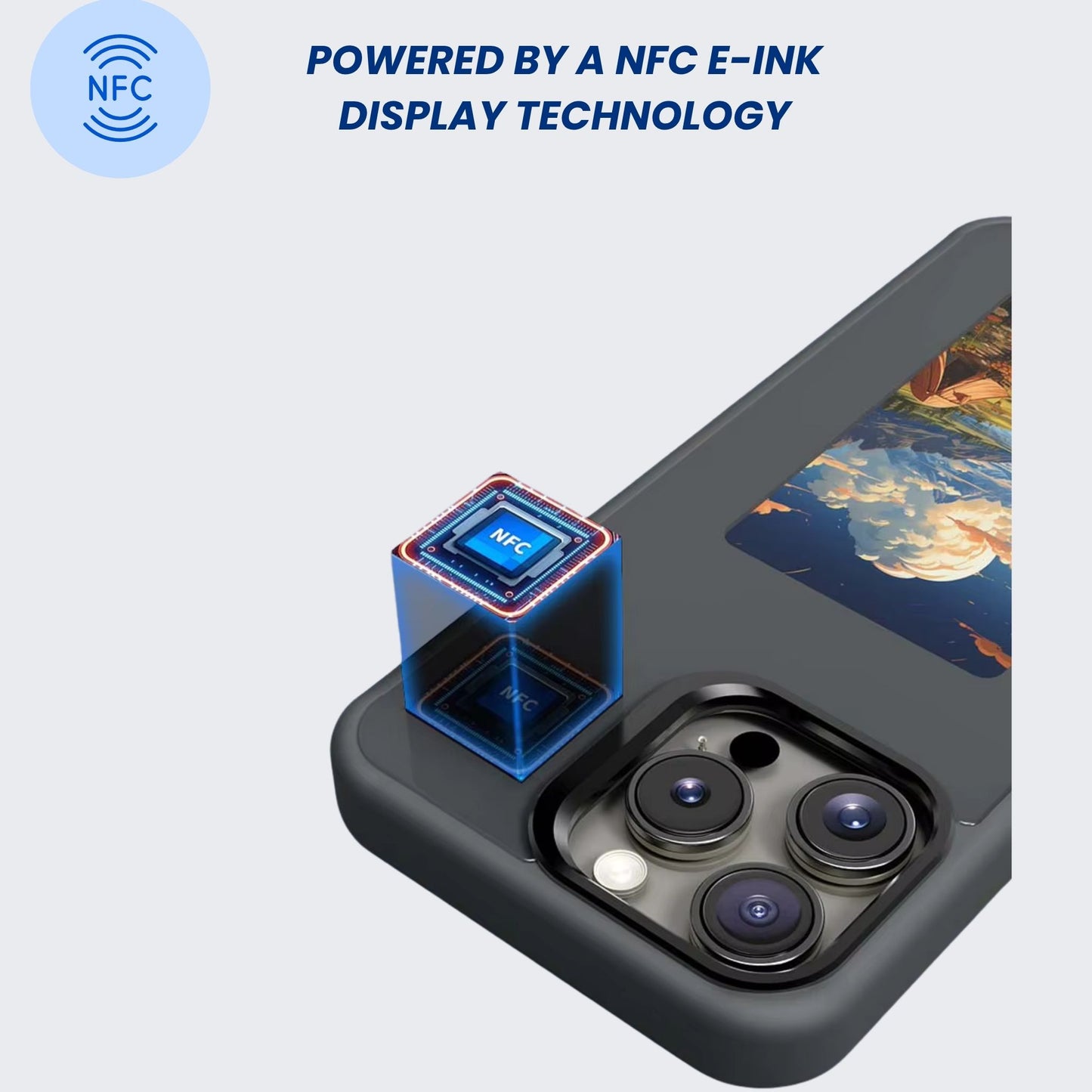
- NFC Standard: ISO14443A
- Resolution: 240 × 416
- Product Size: 330.1 × 175.5 × 25.8 mm
- Monitor: 3.7 inch display
- Display Colors: Black, White, Red, Yellow
- Material: PC + TPU + Tempered Glass
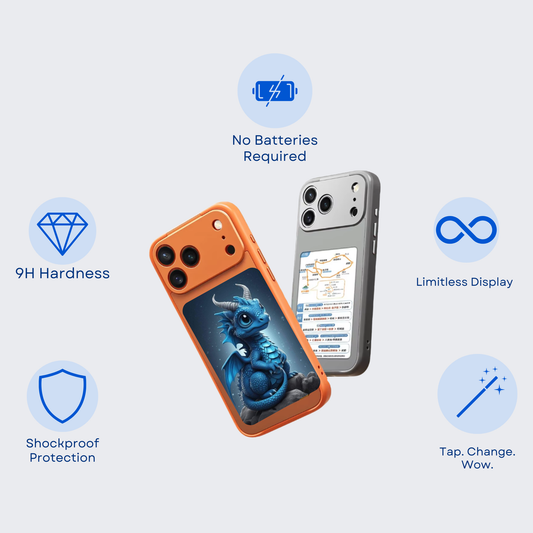
- Hardness: 9H (anti-pressure, anti-scratch, anti-burst)
- Raised Edge: 0.3 mm for camera and screen protection
- Shockproof and anti-impact design for extra durability
- No battery or charging required
Compatibility
- Compatible with iPhone 13 / 14 / 15 / 16 series.
- Compatible with Samsung Galaxy S24 / S25 Series
- MORE TO COME!
How to Use
- Scan the QR code in the included Quick Start Guide to download the app.
2. Use the included guide to set up your case in seconds.
3. Place your favorite photo in your gallery the NFC case will display it instantly when tapped!
Shipping & Processing
Processing time: 1–3 business days to prepare and package your order.
Estimated delivery time: 7–14 Business Days.
You’ll receive a tracking number via email once your order ships.
Return policy: 14-day money-back guarantee, Love it or get your money back.
FAQ'S
1. Does it need charging or use my phone’s battery?
No. The case doesn’t need charging, and it doesn’t drain your phone battery.
Once you set an image, it stays on the case permanently, even if you remove the case from your phone, until you change it again.
2. How do I change the image on the case?
To change the image, download the app using the QR code from the Quick Start Guide or find it on the App Store/Google Play. Open the app, choose your photo, and Confirm to update the case.
3. What colors display best on the E-Ink case?
The case displays Yellow, Red, White, and Black with the strongest clarity.
Black & white photos appear even sharper than color images.
The HD version shows images with higher detail and crispness.
4. Can I use any image, and can I change it as often as I want?
Yes. You can display any image you want, and you can change it instantly, anytime, as many times as you like — there are no limits.
Yes, please ^ ♡^ Colorful images are not great, so I'm mainly using black and white images, but they look very pretty.
Of course the picture i put is of my cat. Downloaded the app from app store. Didn’t use the qr code to download.